Overview Description
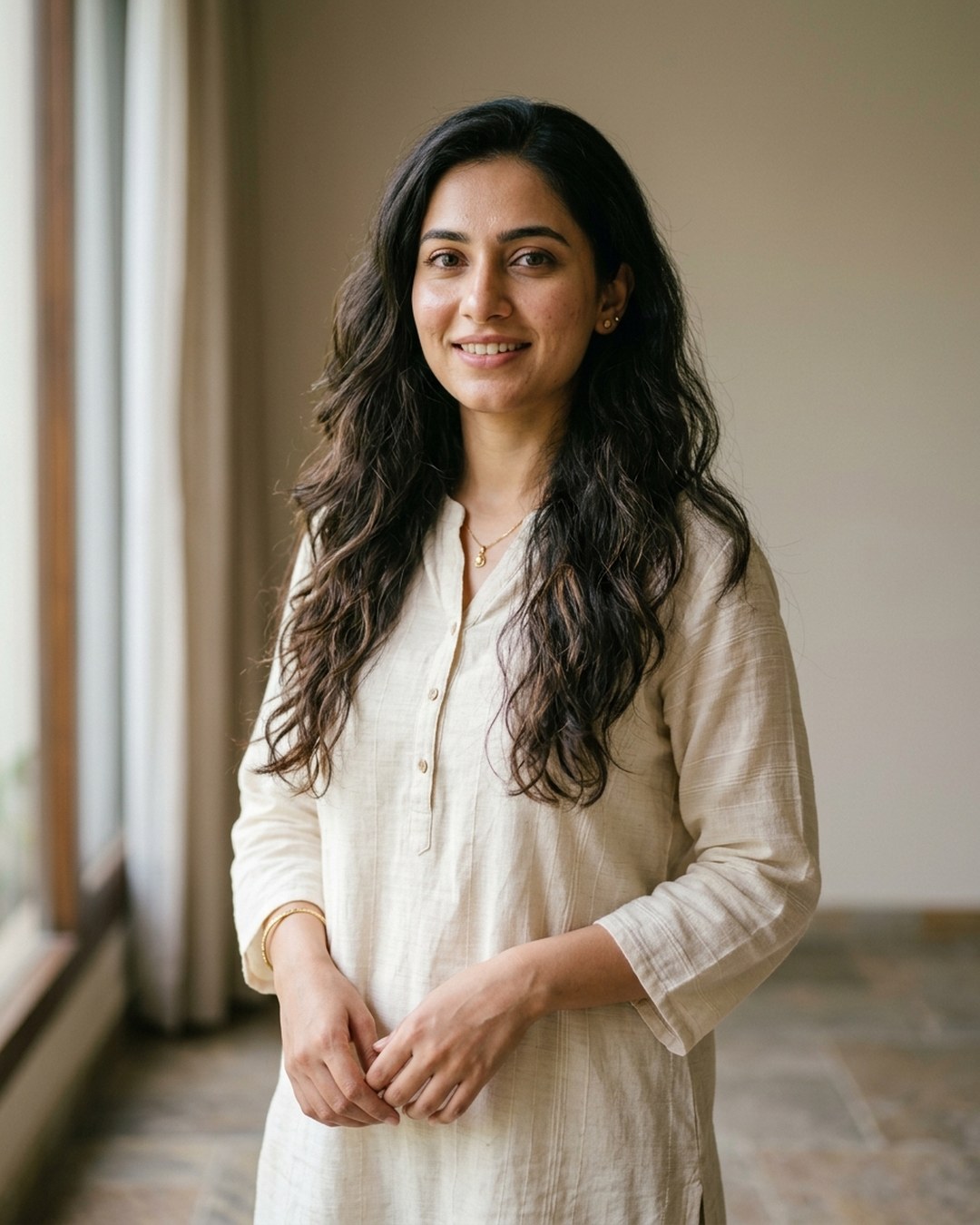
Turn one clear photo into a warm Diwali reel. This Veo 3.1 image-to-video prompt shows you lighting a clay diya on a marigold-lined balcony while fireworks bloom softly behind you. Your face stays the same, the motion is slow and calm, and the festive sound is built in. Perfect for Reels, Shorts and WhatsApp status.
Prompt Command
236 wordsAnimate my uploaded photo into an 8-second cinematic vertical video (9:16). Keep my face, skin tone, eye shape, smile and hairstyle exactly as in the photo. Do not change who I am.
Scene: Diwali night on a small home balcony. I wear an elegant festive outfit: a deep maroon silk kurta or saree with fine gold embroidery. Strings of orange and yellow marigold flowers hang from the railing. A colourful rangoli with tiny diyas sits on the floor near my feet.
Action, in order:
1. I kneel slightly and hold a lit matchstick close to a clay diya in my hands.
2. The wick catches. A small golden flame glows and lights up my face from below.
3. I look up at the camera with a soft, happy smile and raise the diya gently to chest height.
4. Behind me, a few fireworks bloom quietly in the dark sky in gold and pink.
Camera: start with a close-up of my hands and the diya, then a slow, smooth push-out to a medium shot. Shallow depth of field, warm bokeh lights in the background.
Lighting and style: warm candlelight on my face, deep blue night sky, rich gold and orange colour grade, photorealistic, natural skin texture, gentle slow motion, light film grain.
Sound: a soft match strike, a quiet flame flicker, distant fireworks, and a gentle sitar and flute melody.
No text, no captions, no watermark, no extra people, no distorted hands.
Tip: Click the copy button to copy the prompt text.
AI Video Generation
Input Image:
Generated Output Video:
Associated tags
Similar Prompts
Related Recommendations
Explore additional top-rated prompt parameters for similar platform criteria.
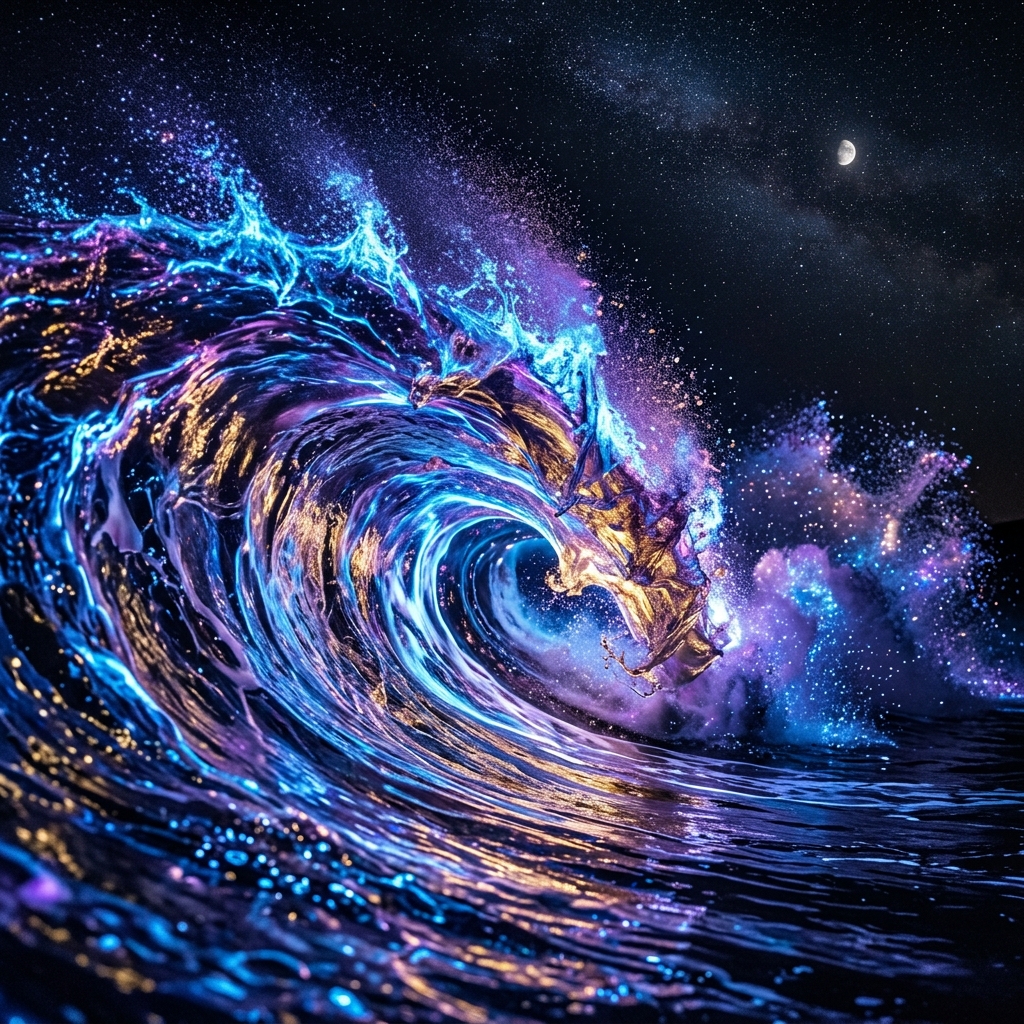
Surreal Giant Ocean Wave of Liquid Light
A slow-motion simulation of a huge glowing wave collapsing in a fantasy neon ocean.
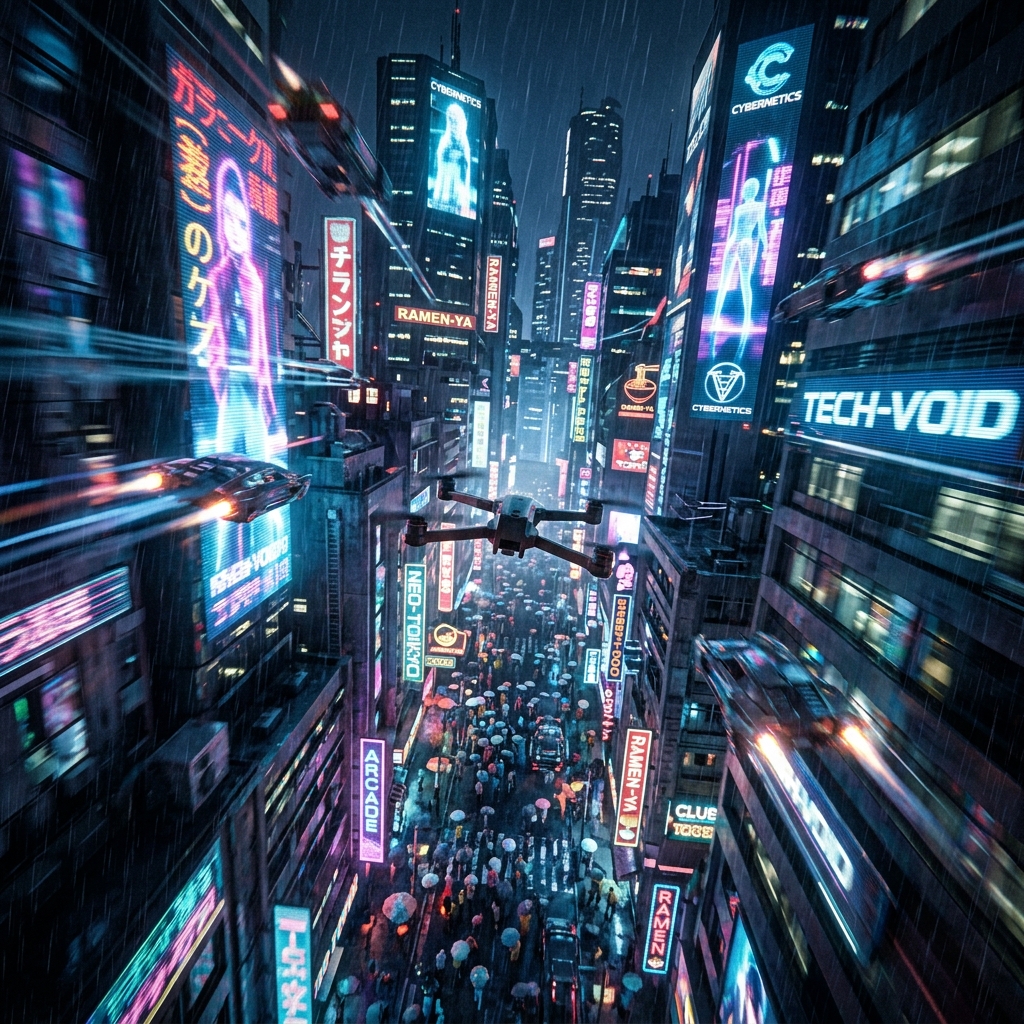
Cyberpunk City Drone Flythrough
Create an action-oriented cinematic camera sweep of a futuristic hyper-populated metropolis.
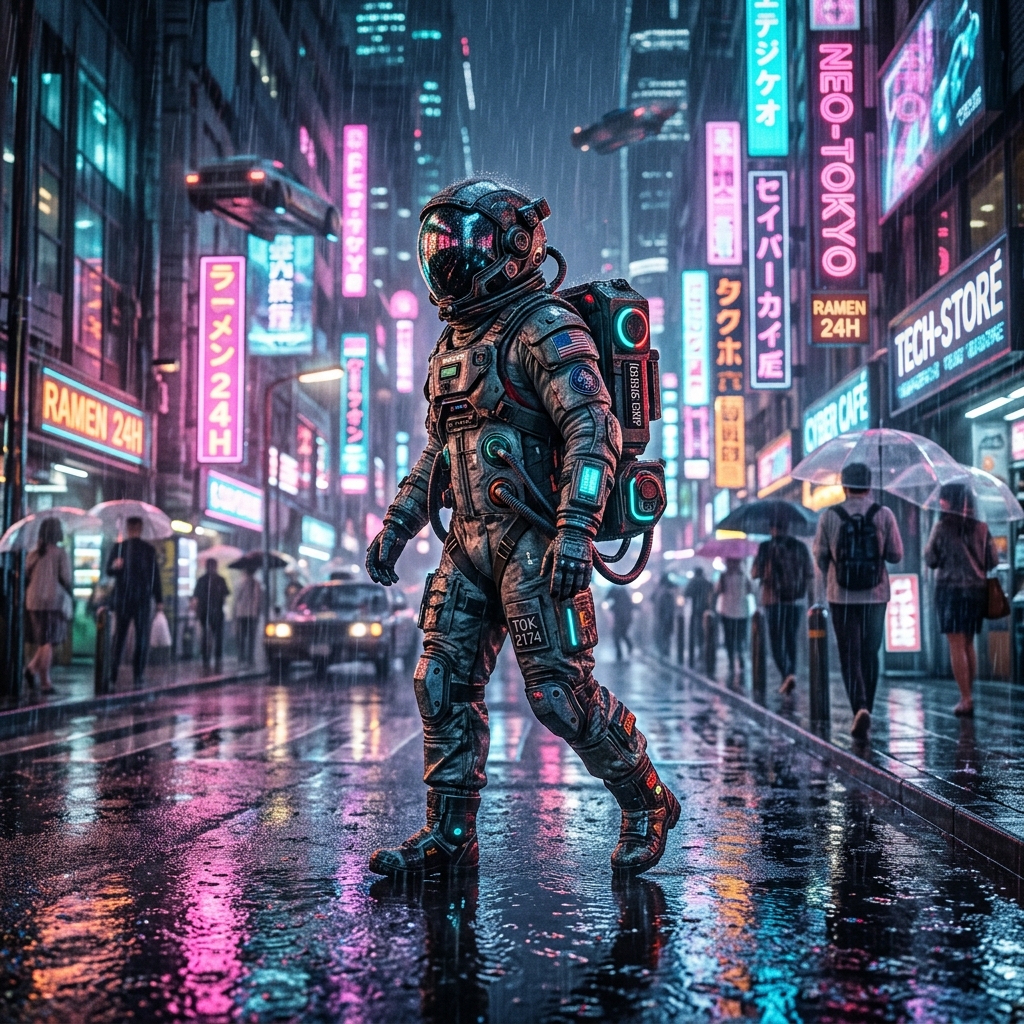
Cyborg Astronaut in Neon City
Create a photorealistic, cinematic shot of a cyborg astronaut wandering through a rain-slicked cyberpunk street.