Overview Description
Turn a messy phone picture of your product into a clean studio shot that looks ready for Amazon, Daraz or Shopify. This Gemini Nano Banana 2.1 prompt removes the clutter, adds a pure white background and soft shadows, and keeps your product's shape, color and label exactly the same. Great for small online sellers.
Prompt Command
195 wordsEdit the uploaded photo of my product.
Keep the product exactly the same: same shape, size, color, material, texture, logo and any printed text or label. Do not redesign it, add parts, or change the brand name.
Change only the setting:
- Remove everything around the product (table, clutter, hands, cables, wall, other objects).
- Place the product on a pure white seamless studio background (#FFFFFF).
- Center it and let it fill about 80% of the frame, with a little space on all sides.
- Straighten the angle so the product stands upright, seen from a slight front three-quarter view.
Lighting and finish:
- Soft, even studio lighting from the front and left, like a large softbox.
- A light, natural contact shadow under the product so it doesn't look like it is floating.
- Clean, true-to-life colors. Fix the yellow or blue tint from indoor phone light.
- Sharp focus on the whole product, with fine details like stitching, glaze or grain clearly visible.
Make it look like a professional e-commerce photo taken with a DSLR, ready for an Amazon, Daraz or Shopify main listing image. No text, no watermark, no props. Vertical 4:5 ratio.Generation Input & Output
Input Image / Concept:
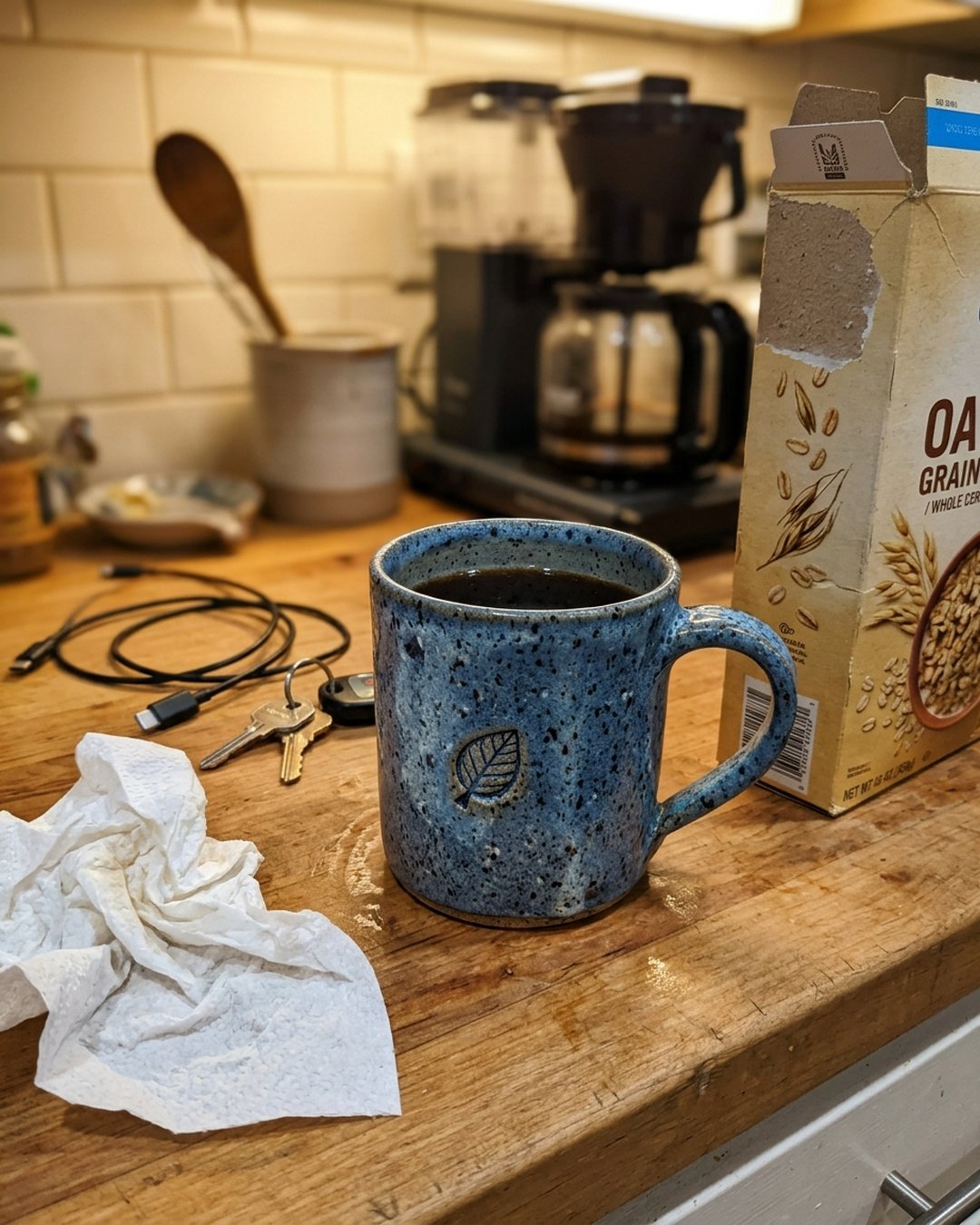
Generated Output Image:

Associated tags
Related Recommendations
Explore additional top-rated prompt parameters for similar platform criteria.

Professional LinkedIn Headshot from Your Selfie – Corporate Business Portrait – Gemini Nano Banana AI Prompt
No time for a photo studio? Upload one clear selfie and this prompt turns it into a clean, professional LinkedIn headshot. You get a sharp blazer look, soft studio light and a calm grey background. Your face stays exactly like you. Use it for LinkedIn, your CV, a company website or a speaker profile.
Financial Statement Audit Assistant
Leverage Claude's reasoning skills to audit and locate irregularities in financial figures.
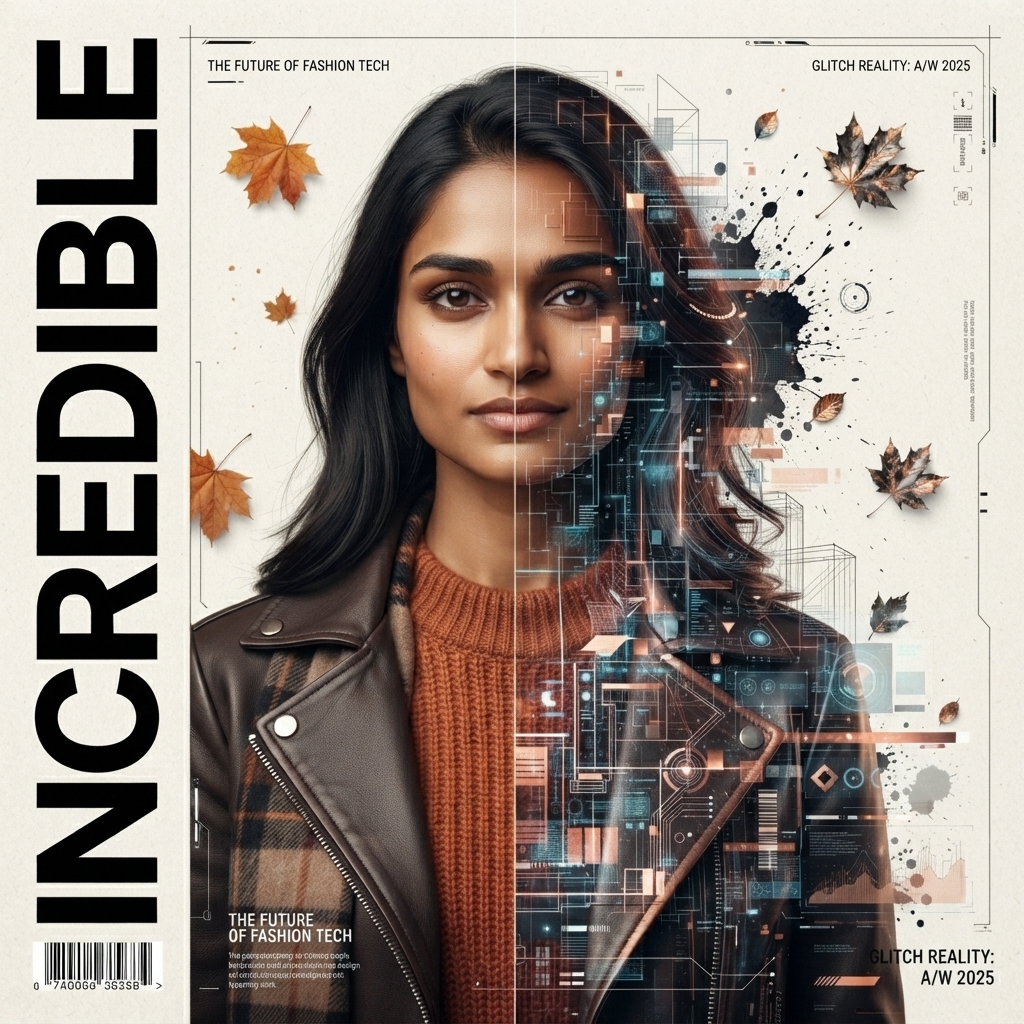
Cinematic Cyber Glitch Magazine Cover Portrait
Transform your uploaded photo into a stunning editorial magazine cover with the same face, blending realistic portrait photography and futuristic cyber-glitch effects. Featuring cinematic lighting, autumn aesthetics, premium typography, and a high-end fashion magazine design, this prompt creates a bold, ultra-realistic 8K masterpiece for both men and women.